Rosters
A roster is a collection of recurring downtimes at scheduled intervals, capturing operational behaviors like shift changes or fly-out days.
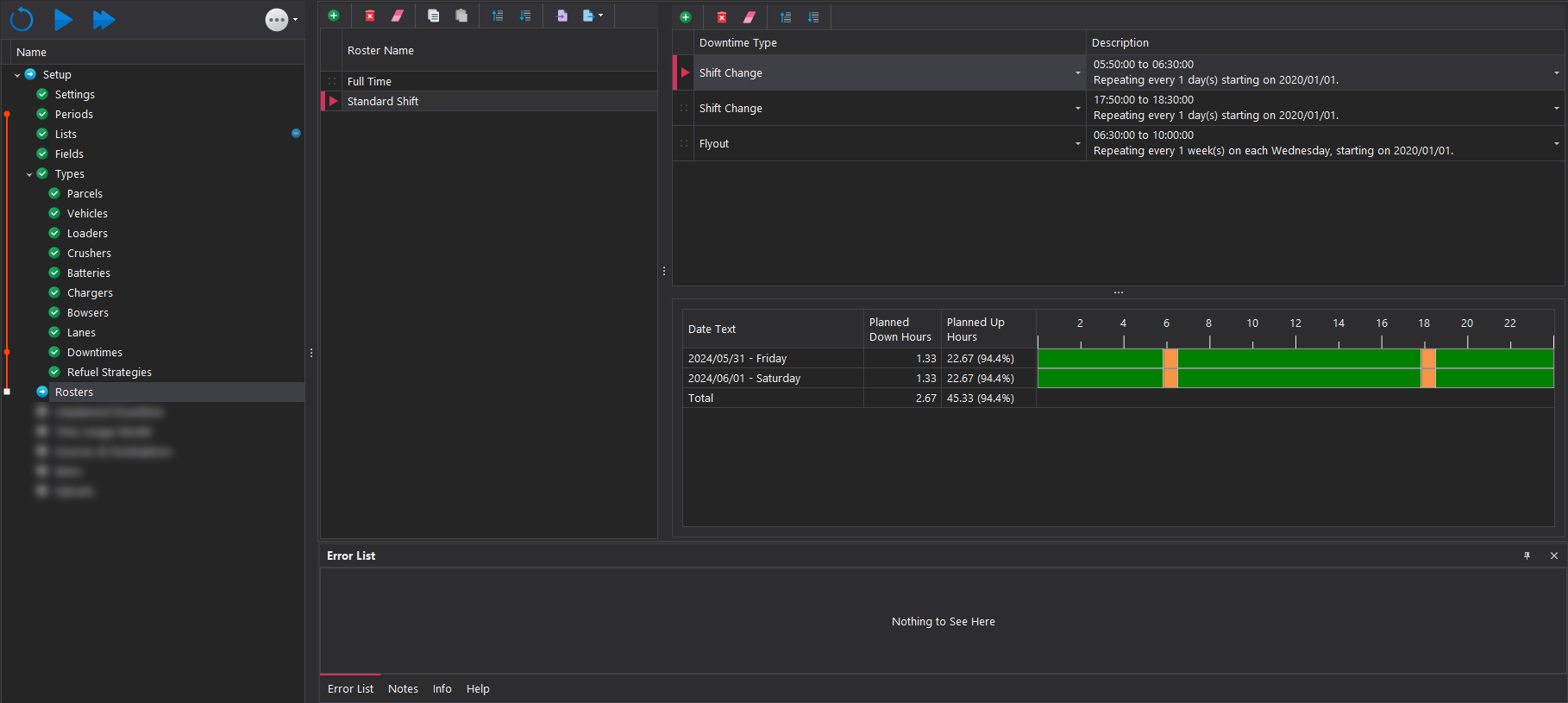
Creating a Roster
Rosters are managed using the toolbar located on the top left hand side. Infomration on the toolbar functions can be found here in the Common User Controls page. ach added roster must be assigned a name, which can be set by typing directly into the name cell.
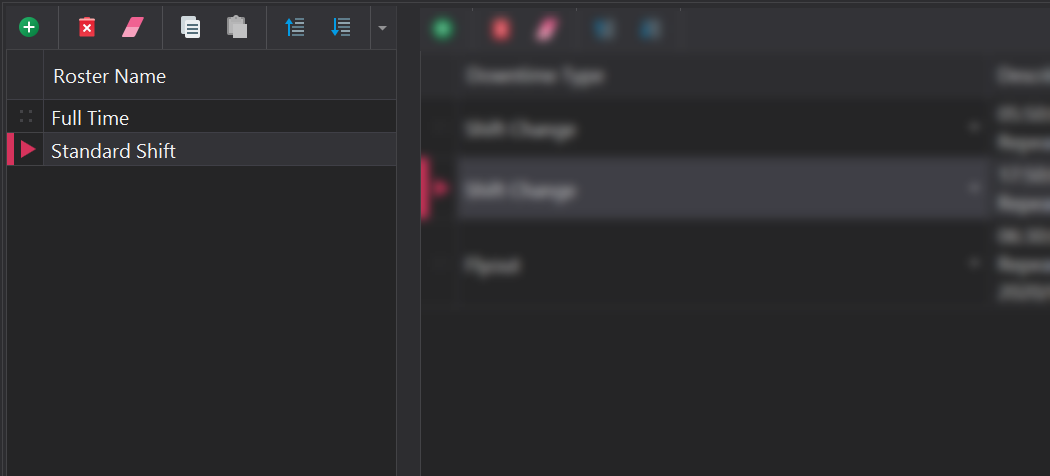
Populating a Roster
After the creation of the roster, the downtimes need to be scheduled. The toolbar in the middle panel can be used to add or remove recurring downtime events. More infomration on the toolbar functions can be found here in the Common User Controls page. The calendar located at the bottom visually displays the scheduled downtimes for the periods established in the Periods step.
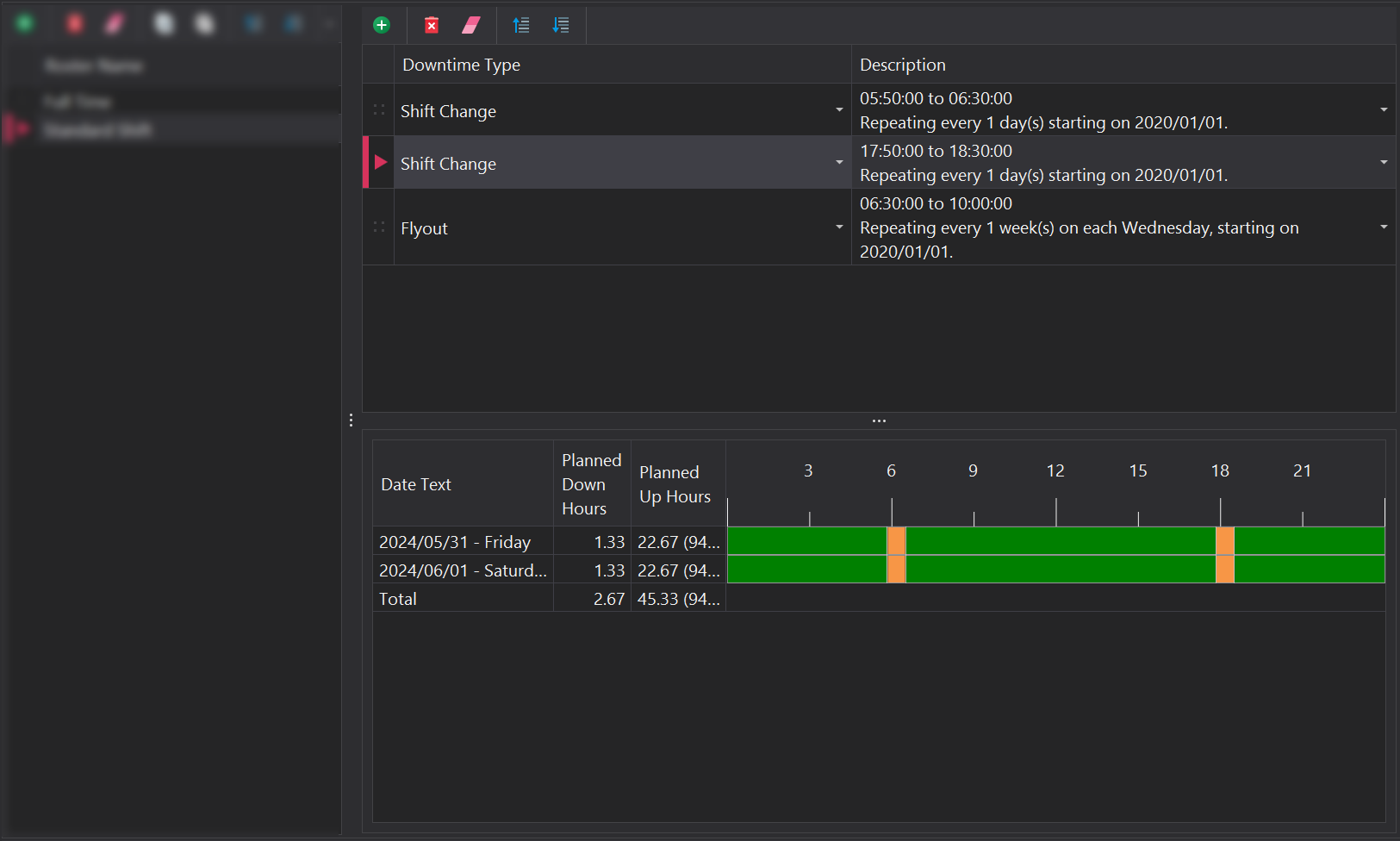
When adding a downtime event to a roster, the following inputs need to be specified
Downtime Type
The type of downtime the equipment will enter is derived from the available downtimes listed in the Downtimes step.
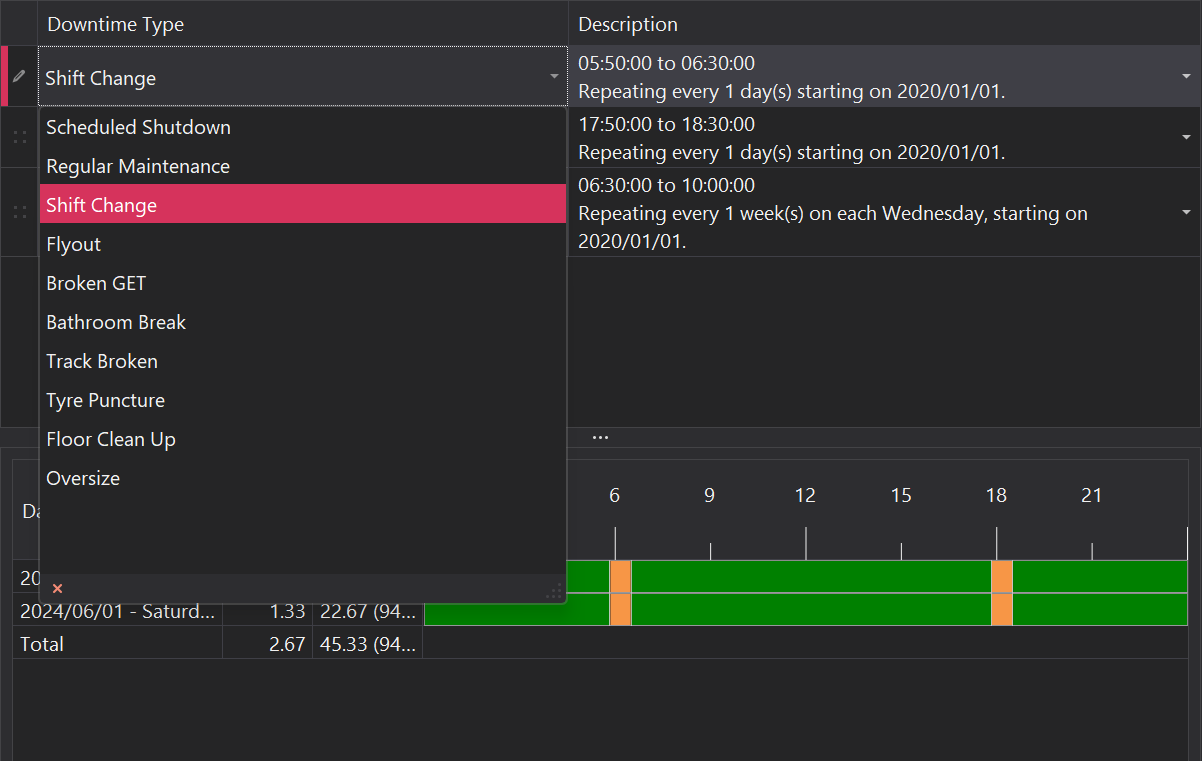
Frequency & Duration
The frequency and duration of the downtime need to specified. This is configured in the dialog that opens up when clicking on the Description cell of the relevant row. Information on how to configure this control can be found in the Common User Controls page.
